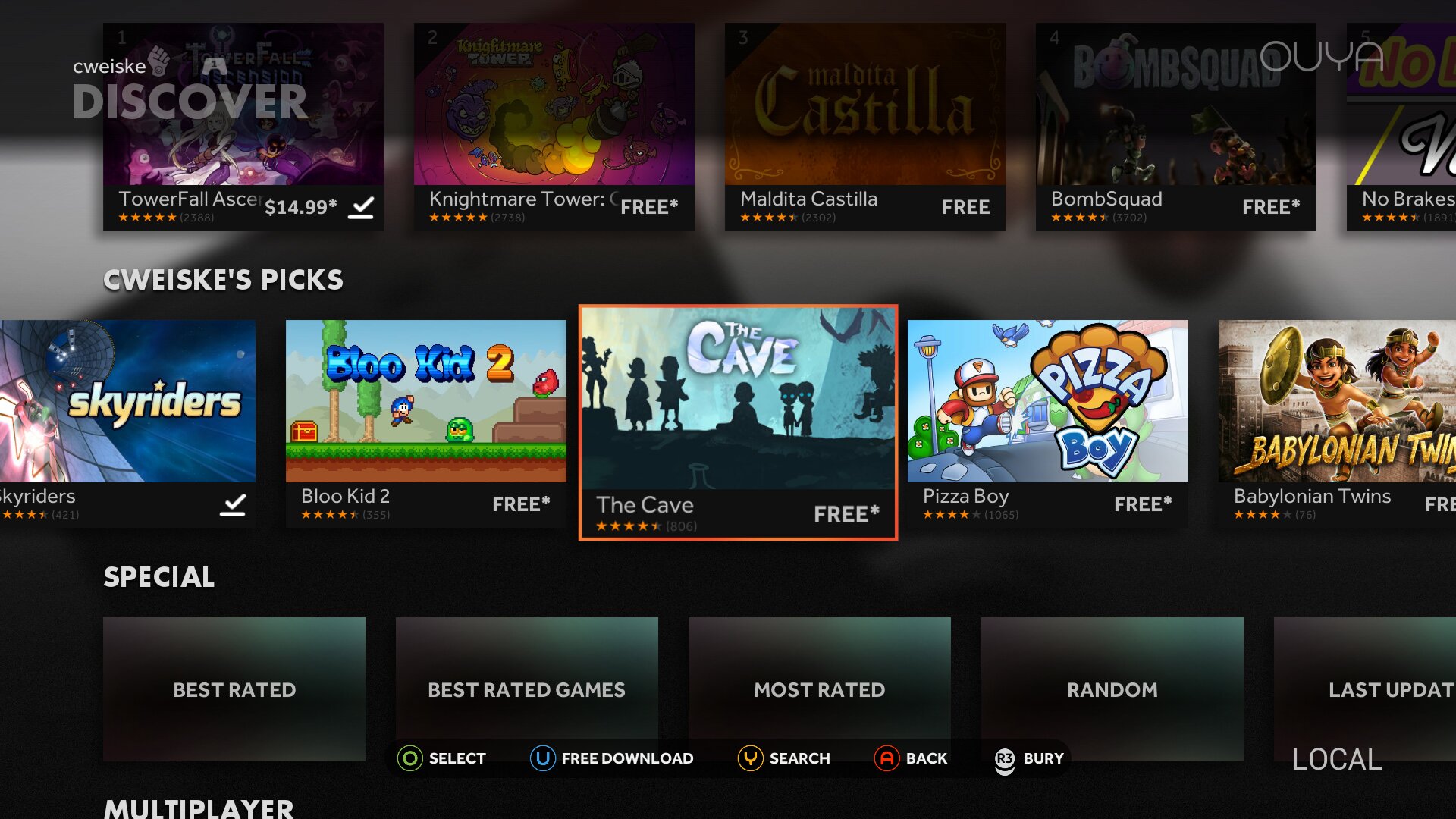
The OUYA gaming console desperately wants to talk to a server. Without a server many things do not work: Registration during setup, detail pages of installed games and the whole "Discover" store.
When Razer bought OUYA they promised to keep the server running for a year, and in 2019-06 they finally shut them down.
My community replacement server went online in 2019-11 and has been running since - but nothing is forever.
To prepare for the unavailability of my own server in the far distant future, I built an Android app that acts as an OUYA API server and that you can install on your OUYA: louyapi, the local OUYA API.
[API]   |
|             |                  |          |
|             |                  |          |
|             |                  |          |
`-------------´                  +----------+]]>
Your OUYA talks to itself, not needing internet to register a new user or to show game details.
Only game images and .apk downloads still need internet access, because they are over 100 GiB in total.
Download
On your OUYA, simply go to Discover -> App and find and install louyapi from there.
In your browser, you can download louyapi from my server or from Github.
I wanted to upload it to the Internet Archive, but they rejected the .apk file :(
Usage
Start the user interface from the Play menu. It will show the current game data version and lets you switch the OUYA to the internal server with a single click:
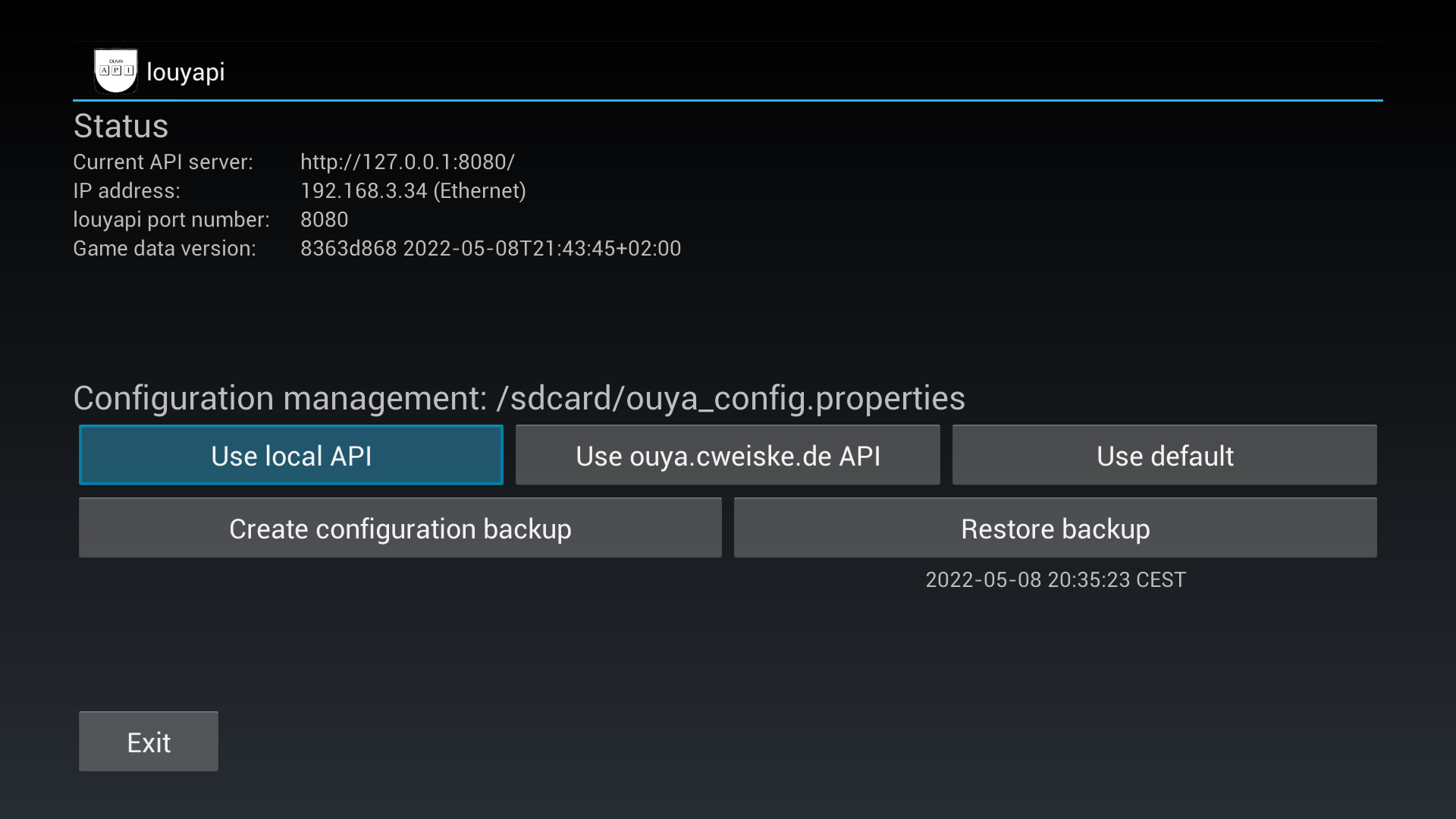
Once you've done that, exit the app. It will keep running in the background to answer requests from the OUYA user interface: