In 2026-01 I bought the game "Kao the Kangaroo" in its 2022 version on GoG, to play it with the kids. Unfortunately the game starts with mostly black textures, making it unplayable. I opened a bug report for Wine 11.
Fast forward half a year, and I found out that one of my beloved childhood games "Tony Hawk's Pro Skater 2" got a 2020 remake, dubbed "Tony Hawk's Pro Skater 1+2". I wanted to buy it, but it isn't available on GoG.
It is available on Steam, but to play you have to accept another EULA, and it has an "always online" check - even for local gameplay. That's a no-go for me, and so I did not buy it for 18€ - instead I got a backup without the always-online DRM and installed it.
Here again I got bitten by the black textures bug:
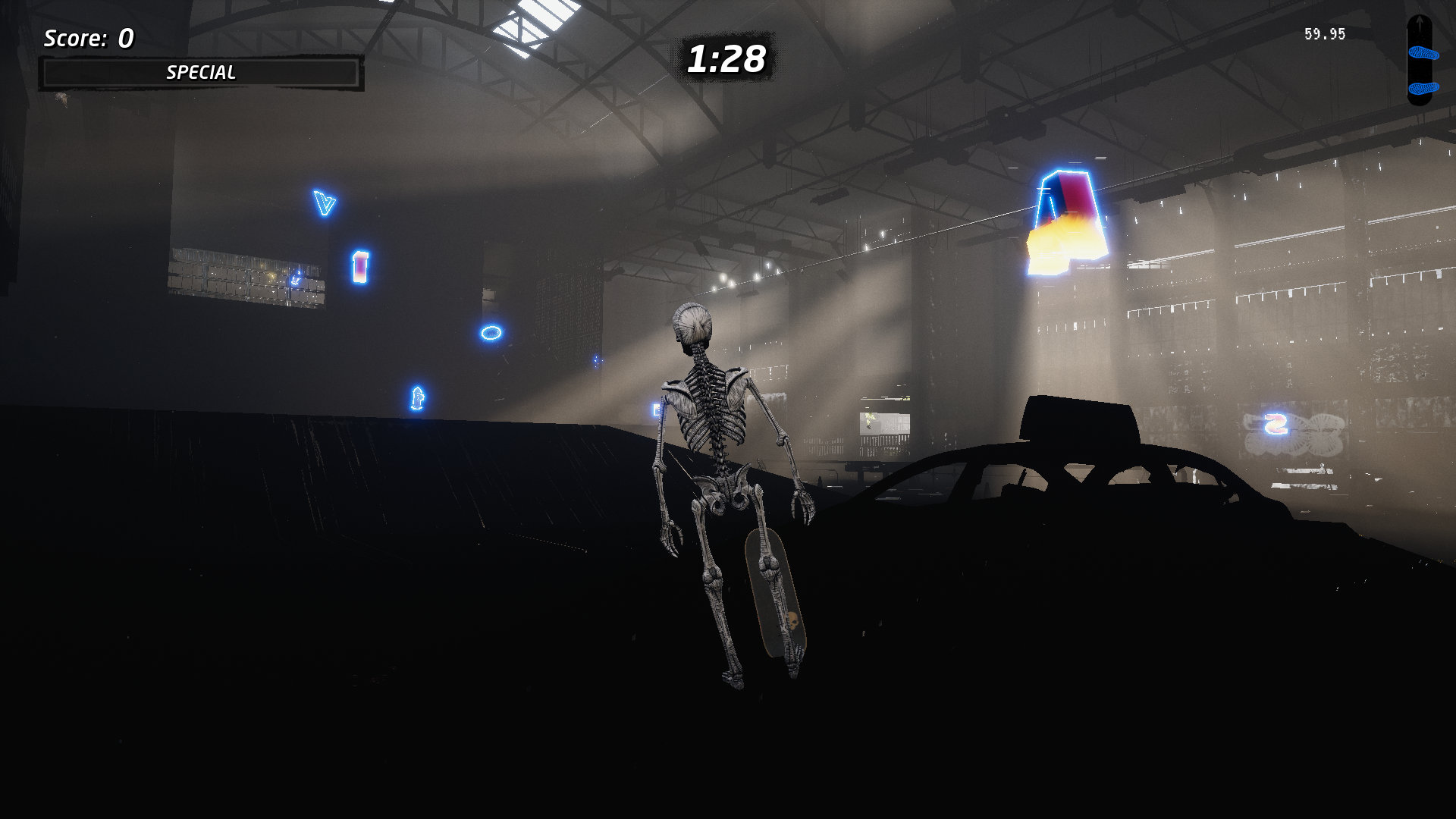
Time to do something.
Hardware + Software
My PC runs Debian 12, mesa 22.3.6-1+deb12u1, wine-staging 11.10~bookworm-1 and Linux kernel 6.1.0-49-amd64. The graphics card is a Sapphire AMD Radeon RX 7600 Pulse 8GB.
Others
The only other mention of black textures was in 2020-10 on Reddit: Cyberpunk 2077 black textures. Their solution was to install the vulkan-radeon package that is only available for Arch Linux.
DXVK
Somewhere I read about DXVK, which provides a Direct3D Wine graphics library based on Vulkan instead of OpenGL.
I tried the latest 3.0.1 release, but that did not work - my Mesa 22.3.6 version is too old for that.
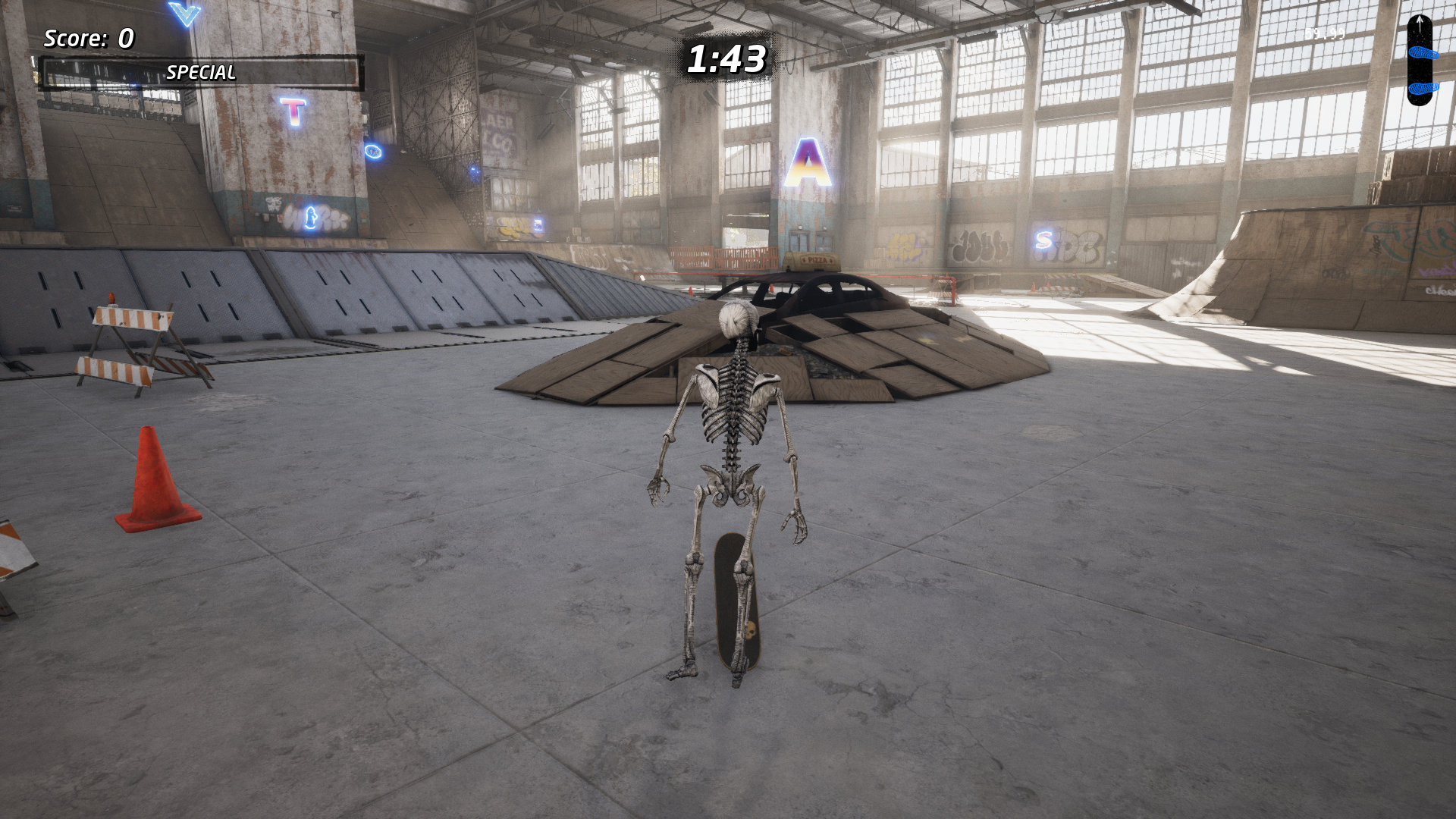
Instead I tried the last 2.x version 2.7.1, installed it in my game-specific wine prefix and that worked!
The game has proper textures now, and it plays awesome. I really wisth the developers/publisher would make it available without DRM on GoG - I'd instantly buy it.
Kao the Kangaroo could be fixed the same way!
nodcc
Looking at the mesa releases, I saw that in the next version 22.3.7 a bug was fixed:
radv: Prototype 2 black textures on RDNA 3 when DCC is enabled
DCC is "Delta Color Compression". The bug report says
Using RADV_DEBUG=nodcc fixes it.
but that didn't help in my case. Another report recommends
Some other environment variables worth trying are: radeonsi_zerovram=true and AMD_DEBUG=nodcc
but I didn't try that yet.